Product overview
Get a complete view of the tools that power your business

Get a complete view of the tools that power your business
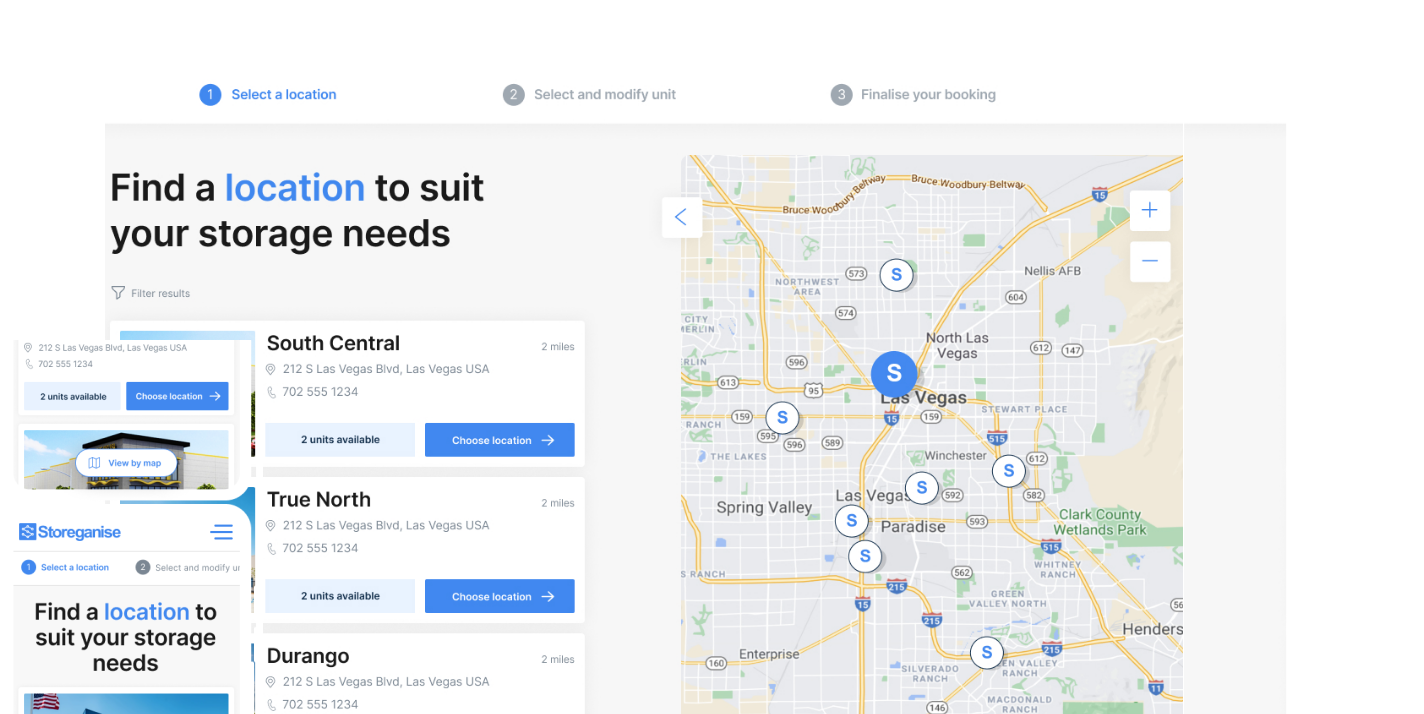
Let customers book and manage storage with ease
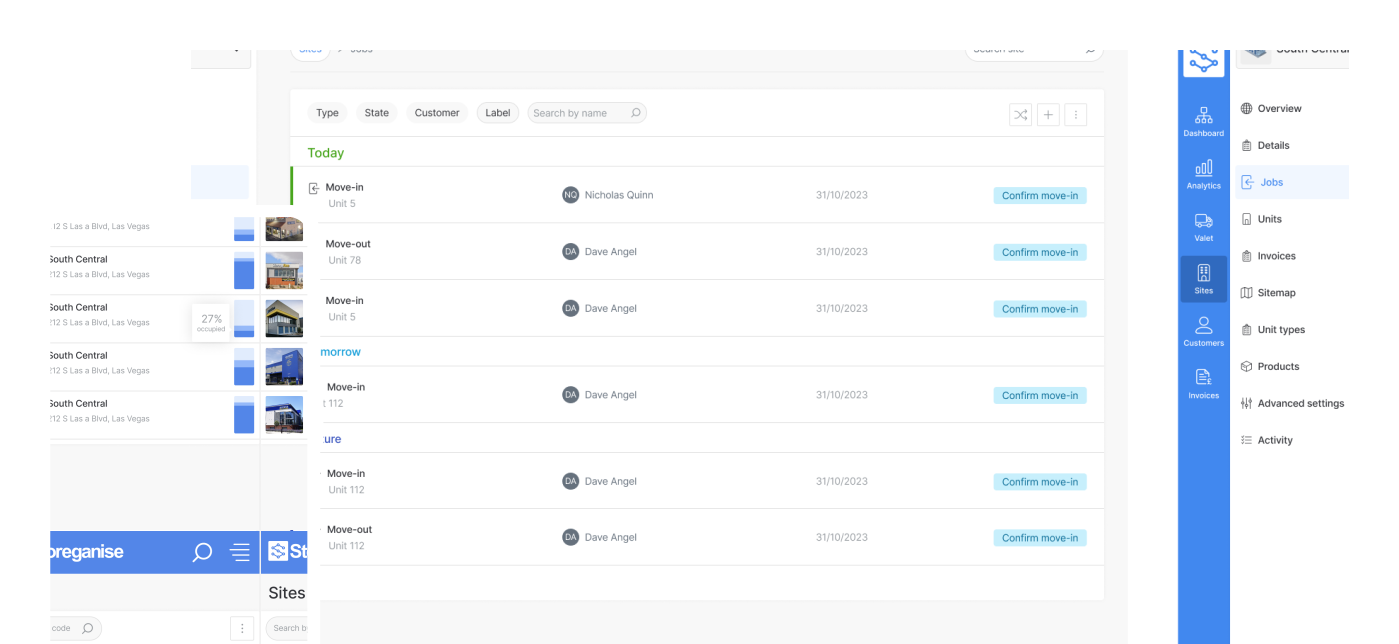
Manage your entire business in one place
Attract new customers with a website built for self-storage

Extend your business logic with endless integrations
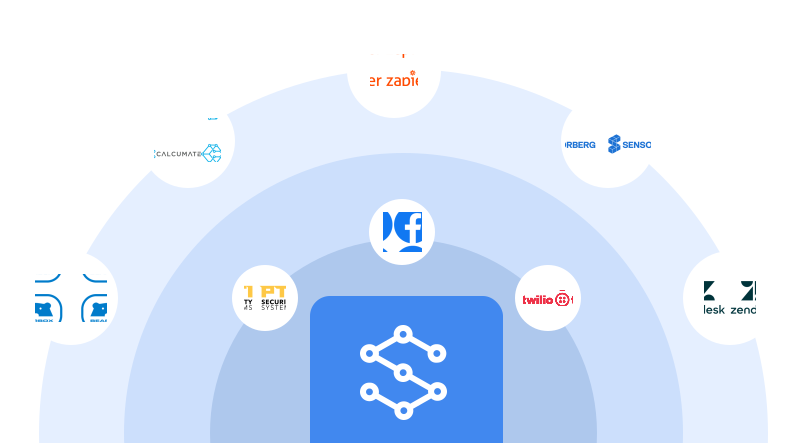
Automate accounting, payments and lead follow-up

Miles Davison
2025-08-17
This quarter, we’ve rolled out four powerhouse Add-ons plus the highly demanded waitlist feature—helping you automate finance, CRM and lead workflows, reduce churn and capture every booking.
When a unit type sells out, customers see a Join waitlist button in the portal. They enter their details once and receive an email the moment space frees up.
“Sold out” used to mean missed revenue. Now every high-demand unit becomes a lead generator—even when inventory is full.
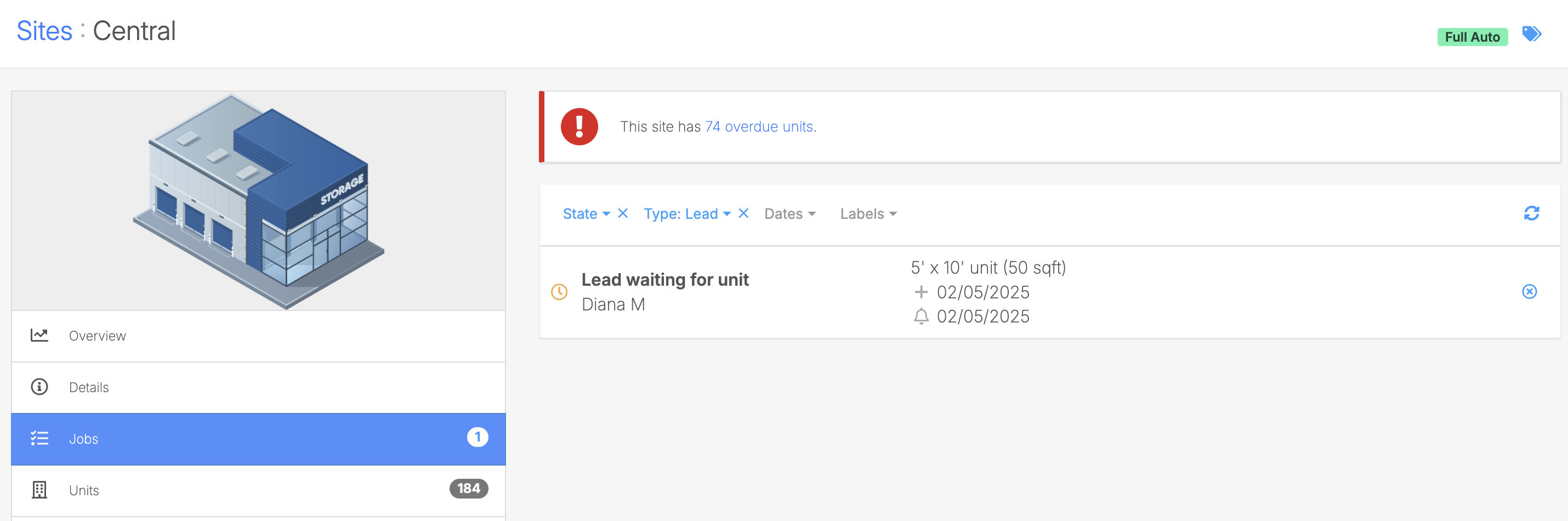
Every new inquiry or lead in Storeganise automatically flows into HubSpot—triggering nurture sequences, sales alerts, and personalized follow-ups. This integration supports a two-way sync, meaning when a deal is marked as “Won” in HubSpot, that customer record is synced back into Storeganise, closing the loop between sales and operations.

Leads left in a silo lose momentum in hours—not days. Real-time sync ensures your team engages the right prospects at the right moment, with zero delay or manual handoff.
Automatically push Storeganise invoices, payments and credit notes into Xero—eliminating CSV exports, import errors and reconciliation drift.
Manual accounting processes are slow and error-prone. This sync pushes financial data from Storeganise to Xero—giving you accurate, real-time records without the need for CSV exports or manual reconciliation.
If you want to send data from Xero back into Storeganise, you can do that using our Zapier integration.

Embed 30+ local European methods—iDEAL, Bancontact, SEPA, SOFORT and more—directly in your booking portal, complete with saved-card checkout and recurring billing.
Generic, one-size-fits-all payment flows lose local customers at checkout. Mollie’s localized UX and built-in fraud prevention drive higher conversions and fewer chargebacks.
.png?updatedAt=1749548303309)
Seamlessly collect via local bank transfers (eGIRO, eDDA), cards and direct debits across seven APAC markets, with full audit trails and fee transparency.

Manual wires and hidden FX fees slow cash flow and require constant reconciliation. Finverse automates collections on due dates, reduces churn and posts funds in 1–2 business days.
We’ve rolled out a few smaller—but powerful—improvements based on operator feedback:
Got questions or ideas for future integrations? Chat with us in-app or drop us a line—we’re here 24/7.
— The Storeganise Team
Miles Davison has been the CEO of Storeganise since its inception in 2015, bringing a wealth of experience from his diverse background in logistics, investment banking and business management.
View bio